
Slow Computer? When to Repair vs. Replace It in Oklahoma City, Norman & Midwest City
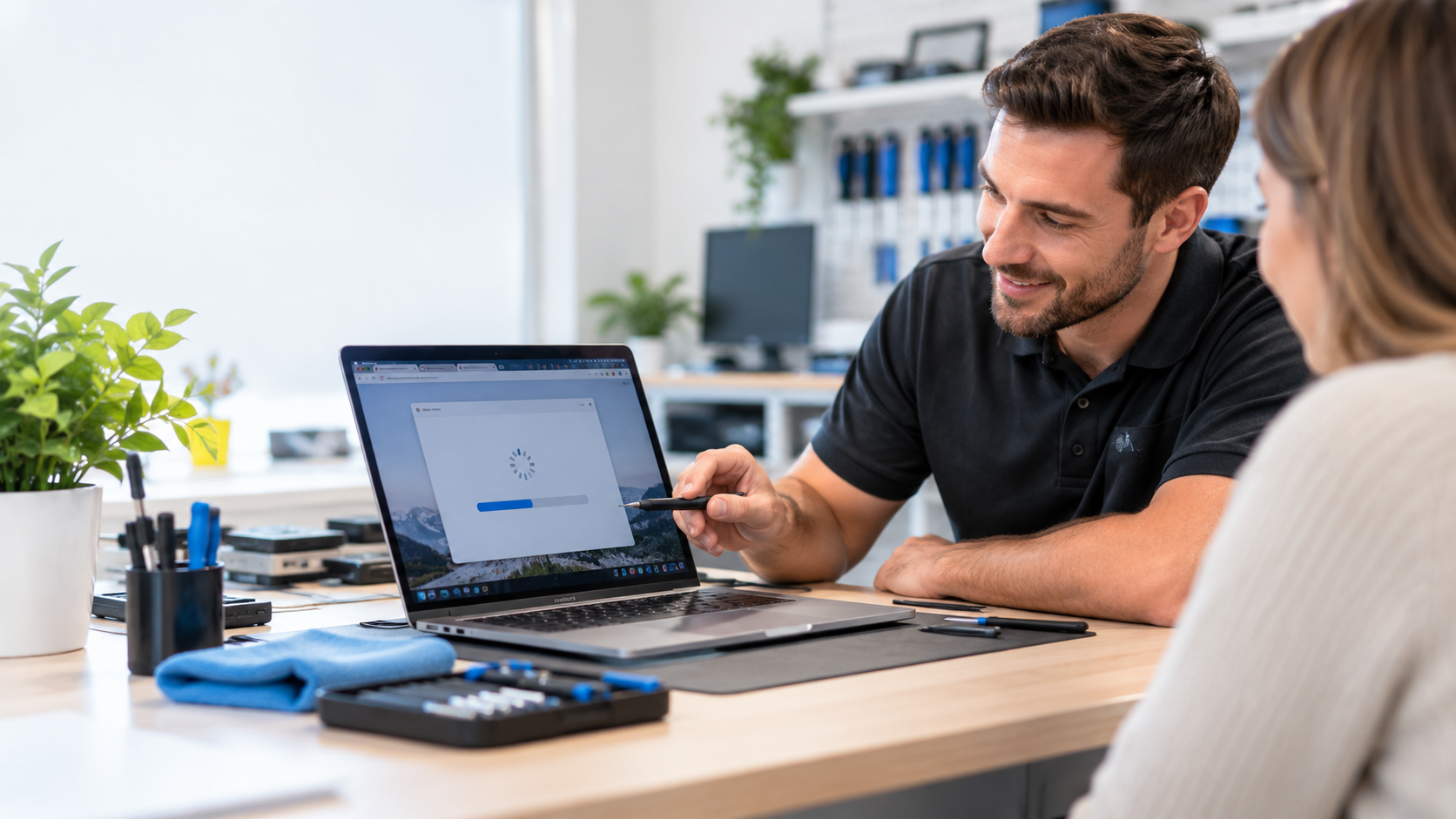
If your laptop takes five minutes just to open a browser, or your desktop sounds like it's about to take off every time you open more than two tabs, you're not imagining it, and you're definitely not alone. It's one of the most common complaints we hear at Wireless Solutions & Accessories (WSA): "My computer used to be fine, and now it's unbearable." The good news is that a slow computer is rarely a reason to buy a brand-new one. Most of the time, it's fixable, and computer repair in Oklahoma City usually costs a fraction of a replacement.
Here's what's actually going on with your machine, and how to know whether it's worth repairing.
Why Computers Slow Down in the First Place
A computer rarely slows down for just one reason. It's usually a buildup of several small issues over months or years.
Too Many Startup Programs
Every app you install has a habit of adding itself to your startup list, whether you asked it to or not. Over time, your computer can end up loading a dozen or more background programs before you've even opened anything yourself.
Malware, Adware, and Browser Hijackers
Unwanted software is one of the biggest, and most overlooked, causes of a sluggish computer. Signs include a browser homepage that changed on its own, new toolbars you didn't install, constant pop-up ads, or your antivirus software getting silently disabled. If you're searching laptop virus and malware removal near me, this is usually why.
Dust Buildup and Overheating
Laptops and desktops pull air through internal fans to stay cool, and that air brings dust with it. Once dust builds up around the fan and heat sink, your computer can't cool itself properly, so it slows down its own processor to avoid overheating. This is especially common in machines that are a few years old and have never been opened up and cleaned.
An Aging or Nearly Full Hard Drive
A hard drive or SSD that's close to full has less room to manage temporary files, which can noticeably slow performance. On older mechanical hard drives specifically, age alone can cause things to slow down as the drive works harder to read and write data.
Repair or Replace? How to Decide
This is the question that actually matters, and it doesn't have a one-size-fits-all answer.
When Repair Makes Sense
If your computer is having software problems (malware, too many startup programs, outdated software) or a fixable hardware issue (dust buildup, a failing battery, a cracked laptop screen), repair is almost always the better financial move. These are common, affordable fixes that can add years of useful life back to a machine that's otherwise working fine.
When Replacement Is the Smarter Move
Replacement starts to make more sense when a computer is having repeated hardware failures, can no longer run the software or updates you need, or when the cost of a specific repair (a motherboard or logic board replacement, for example) starts approaching the cost of a new machine. A qualified diagnostic is the best way to know which category your computer actually falls into, rather than guessing.
Signs Your Computer Needs a Malware or Virus Check
Before assuming your computer just needs an upgrade, rule out the cheaper and far more common culprit. Watch for:
- Pop-up ads appearing even when your browser is closed
- A browser homepage or default search engine that changed without your permission
- New toolbars or extensions you never installed
- Your fan running constantly, even when the computer is idle
- Noticeably slower startup and shutdown times
- Programs crashing or freezing more often than usual
If several of these sound familiar, it's worth having your machine professionally scanned before spending money on anything else.
What Professional Computer Repair Actually Fixes
At WSA, our laptop and desktop computer services cover the three issues that cause the vast majority of "my computer is slow" complaints we see:
- Computer cleaning and maintenance — removing dust and debris from internal components so your machine can actually cool itself and run at full speed
- Malware and adware removal — thorough scans to identify and remove unwanted software that's eating up resources or compromising your privacy
- Software updates and optimization — installing pending updates, trimming your startup program list, and removing unnecessary software that's slowing things down
For many customers, a combination of these three services is enough to make an old computer feel new again, without spending a dollar on new hardware.
DIY Tips vs. When to Call a Professional
Safe DIY Steps You Can Try First
Restart your computer regularly instead of just closing the lid or putting it to sleep every day. Check your list of startup programs and disable anything you don't recognize or need running constantly. Make sure your operating system and browser are fully updated, since Microsoft's official Windows Update guidance notes that many performance and security issues are resolved through regular updates alone.
When It's Time to Bring It In
If you've tried the basics and your computer is still sluggish, overheating, or showing signs of malware, it's time for a professional look. Opening up a laptop to clean it internally, or fully removing deeply embedded malware, carries real risk of damage if you're not experienced with it. A free diagnostic will tell you exactly what's wrong before you spend a dime.
Computer Repair at WSA — Oklahoma City, Norman & Midwest City
We offer free diagnostics on laptops and desktops at all three of our Oklahoma metro locations, so you'll know exactly what's causing the slowdown, and what it costs to fix, before you commit to anything. Walk-ins are always welcome, or you can book online ahead of time if you'd rather skip the wait.
Frequently Asked Questions
How much does computer repair cost?
It depends entirely on what's wrong. Software issues like malware removal or optimization are typically much less expensive than hardware repairs. Every visit starts with a free diagnostic, so you'll get a clear, transparent quote before any work begins.
Is it worth fixing an old laptop?
Often, yes, especially if the problem is software-related or a straightforward hardware fix like cleaning or a battery replacement. It's usually only worth replacing a computer outright when it can no longer handle the software you need or when a major hardware repair would cost close to a new machine.
Can antivirus software alone keep my computer free of malware?
Antivirus software helps, but it's not foolproof, especially against newer threats or malware that's already established itself. Pairing good antivirus software with safe browsing habits and periodic professional scans is the most reliable approach. The FTC's guide to malware protection is a solid resource for understanding how infections typically happen.
How long does computer repair take?
Many common issues, including cleaning, malware removal, and optimization, can often be completed same-day. More involved hardware repairs may take longer depending on parts availability, which our team will walk you through during your diagnostic.
Don't Let a Slow Computer Slow You Down
A sluggish laptop or desktop is frustrating, but it's rarely a reason to start shopping for a new one. Bring your computer into Wireless Solutions & Accessories in Oklahoma City, Norman, or Midwest City for a free diagnostic, and let our team tell you exactly what it needs to run the way it should again.
Norman
1230 24th Ave SW, Norman, OK 73072
(405) 857-8757
Mon–Sat 10am–6pm
Oklahoma City
10904-B North May Ave., Oklahoma City, OK 73120
(405) 849-6429
Mon–Sat 12pm–6pm
Midwest City
7554 SE 15th St., Midwest City, OK 73110
(405) 739-0012
Mon–Sat 12pm–6pm
Email: info@yourwsa.com
