
Dropped Your Phone in Water? What to Do & How to Fix It in OKC
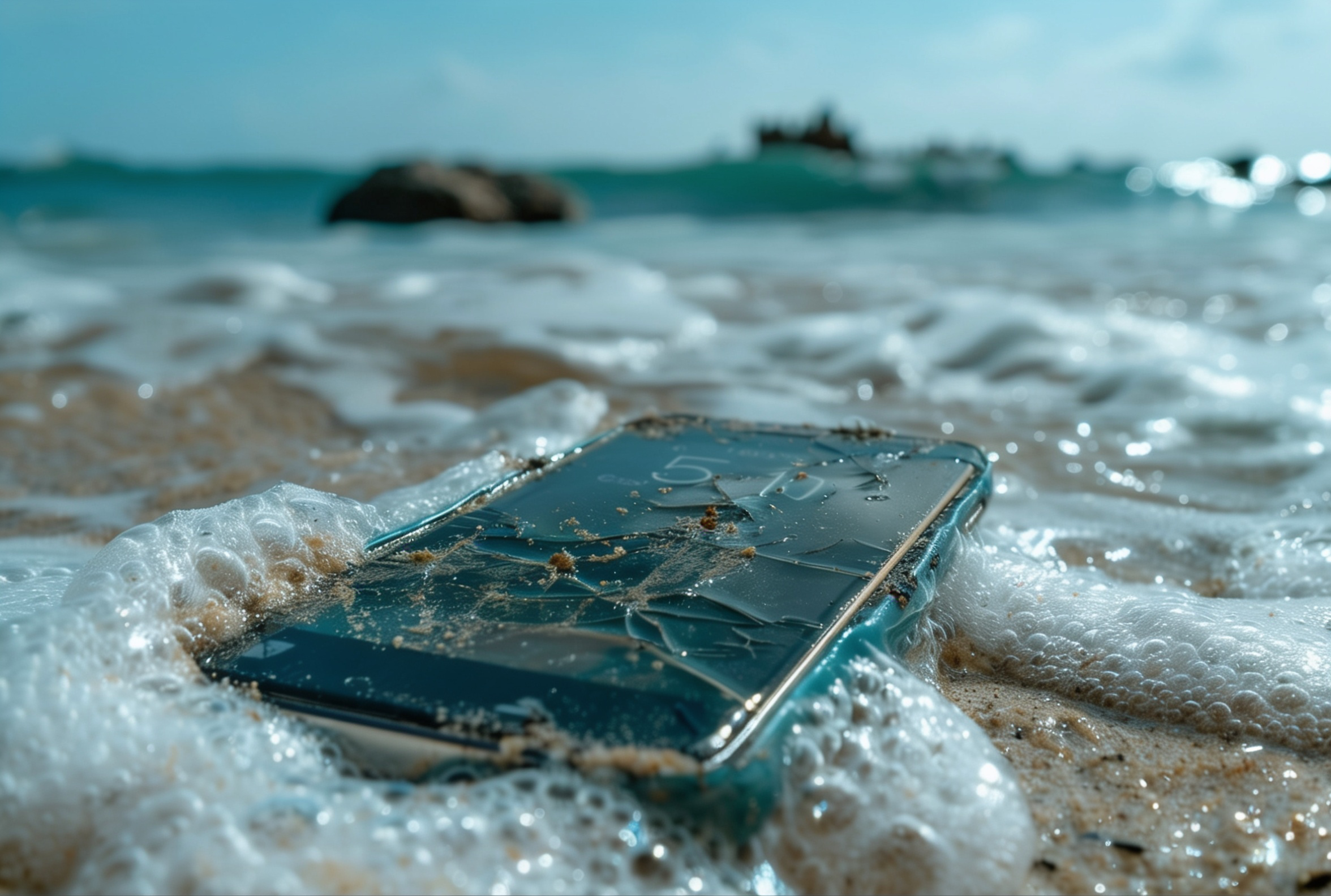
As summer arrives and the weather warms up across Oklahoma, many of us are heading outdoors. Whether you are spending the weekend at Lake Thunderbird, lounging by a pool in Norman, or just getting caught in a sudden spring downpour in Oklahoma City, the risk of your phone taking an unexpected swim increases dramatically.
When your device gets wet, panic usually sets in. However, knowing exactly what to do in those crucial first few minutes can mean the difference between a quick fix and a completely dead device. If you are searching for water damage phone repair OKC, this guide will walk you through the immediate steps to take to save your phone.
The Reality of Summer Phone Hazards in Oklahoma
Oklahoma summers are notoriously tough on electronics. Between the intense heat and the abundance of water activities, local repair shops see a massive spike in damaged devices starting in May. According to national repair data, water-related phone issues can jump by as much as 80% during the peak summer months.
When a phone is dropped in water, the damage is not always immediately apparent. Water contains minerals and impurities that are highly conductive. When these impurities come into contact with the electrical currents inside your phone, they cause short circuits. Even worse, as the water begins to dry, it leaves behind mineral deposits that cause rapid corrosion on the motherboard and delicate solder joints.
This is why a phone might seem fine for a day or two after getting wet, only to suddenly die completely.
Immediate Steps to Take When Your Phone Gets Wet
If your phone takes a plunge, every second counts. Here is exactly what you need to do to minimize the damage before bringing it in for professional repair.
1. Turn It Off Immediately
The most critical step is to cut the power.
If your phone is still on when you pull it out of the water, power it down immediately. Do not press any other buttons, and absolutely do not try to turn it back on to "see if it still works." Sending an electrical current through a wet logic board is the fastest way to cause a fatal short circuit.
2. Remove the Case and Accessories
Take off your phone case, remove the SIM card tray, and unplug any accessories like headphones or charging cables. This opens up the ports and allows trapped water to escape rather than being held against the device.
3. Dry the Exterior Gently
- Use a clean, lint-free microfiber cloth or a soft towel to gently dab the outside of the phone dry.
- Do not aggressively shake the phone, as this can force water deeper into the internal components.
- Avoid using a hair dryer or any heat source, as the heat can melt the internal adhesives and push moisture further into the delicate circuitry.
Why the "Rice Trick" is a Myth (And What Actually Works)
We have all heard the advice: if your phone gets wet, bury it in a bowl of uncooked rice. Unfortunately, this is one of the most persistent and damaging myths in the tech world.
Putting your phone in rice does not actually fix water damage. While rice is a mild desiccant, it works far too slowly to stop the instant corrosion that occurs when water hits the motherboard. Furthermore, rice introduces a new set of problems. The fine dust and starch from the rice can easily get lodged in your phone's charging port, headphone jack, and speaker grills. In fact, Apple officially warns users against this practice, stating that putting an iPhone in a bag of rice "could allow small particles of rice to damage your iPhone.”
Instead of rice, the best immediate at-home solution is to place the phone in an airtight container with silica gel packets (those little packets that come in shoe boxes or beef jerky). Silica gel is a much more effective moisture absorber than rice and does not leave behind damaging dust. However, even silica gel is only a temporary measure. The only true fix for a wet phone is to have a professional open the device, displace the water, and clean the motherboard with high-grade isopropyl alcohol before corrosion sets in.
Protecting Your Phone from the Oklahoma Summer Heat
Water is not the only threat to your phone this season. The intense Oklahoma heat can be just as destructive. Leaving your phone in direct sunlight or inside a hot car can cause the device to overheat rapidly. According to official guidance from Samsung, allowing a device to exceed its normal operating temperature can cause significant performance issues and potential hardware damage.
When a phone overheats, the battery can swell, which may permanently damage the internal components or even crack the screen from the inside out. To protect your device, always keep it in the shade when you are outdoors. If you receive a temperature warning on your screen, turn the phone off immediately and let it cool down slowly in a room-temperature environment. Never put an overheating phone in the freezer or cooler, as the rapid temperature change can cause condensation to form inside the device, leading to—you guessed it—water damage.
Fast, Local Water Damage Phone Repair in OKC, Norman, and Midwest City
When it comes to water damage, time is your biggest enemy. The longer you wait, the more time corrosion has to eat away at your phone's vital components. If you have a phone dropped in water, skip the rice and bring it straight to the experts.
At Wireless Solutions & Accessories (WSA), we specialize in diagnosing and treating liquid damage. Our technicians have the tools and expertise to properly open your device, clean the internal components, and assess what needs to be repaired or replaced. Whether you need a phone screen repair Oklahoma City residents trust, a battery replacement, or complex motherboard cleaning, we are here to help.
Don't wait for the rice trick to fail—bring your water-damaged phone to WSA in OKC, Norman, or Midwest City for fast, expert repair today. Book your repair now and let us save your summer!
