
Common iPhone Camera Problems and When to Repair
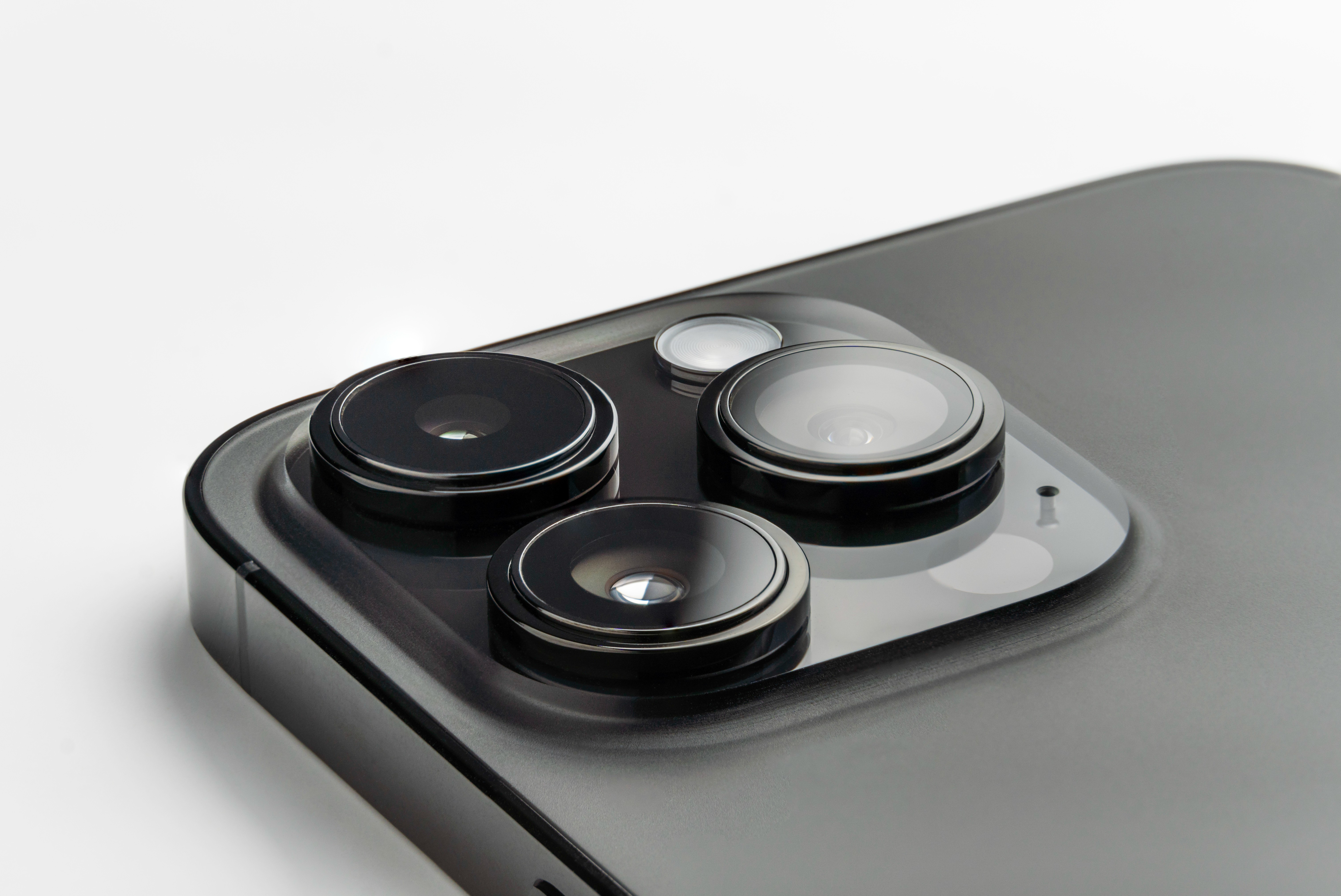
The holidays are a time for photos, videos, travel, and celebrations. Once things settle down, many iPhone users notice camera issues they did not have before. Whether it is a blinking camera, trouble focusing, or the camera app refusing to open, post-holiday iPhone camera issues are surprisingly common.
The good news is that most camera problems are fixable. Below, we break down the most common iPhone camera issues seen after the holidays, what causes them, and when it is time to bring your device to a professional repair shop.
Why iPhone Camera Problems Are Common After the Holidays
Between Thanksgiving and New Year’s, smartphones often experience more stress than usual. Increased use and environmental exposure can affect sensitive camera components.
Common post-holiday causes include:
- Accidental drops during travel, gatherings, or crowded events
- Exposure to cold weather or moisture
- Heavy camera usage for photos, videos, and social media
- iOS updates that reveal existing hardware issues
Even if your phone looks fine on the outside, internal camera components can still be affected.
Most Common iPhone Camera Problems We See
iPhone Camera Blinking or Flashing
One of the most common post-holiday issues is a camera that blinks or flashes when opened.
This problem is often linked to:
- Damage to the camera sensor caused by impact
- Autofocus hardware malfunction
- Internal connection issues
If the camera continues blinking after restarting the device or updating iOS, the issue is often hardware-related rather than software-based. Apple notes that hardware problems can impact camera performance in certain situations.
iPhone Camera Won’t Focus or Keeps Refocusing
If your photos suddenly appear blurry or the camera constantly refocuses, this can indicate a hardware problem.
Possible causes include:
- Autofocus component wear or damage
- Lens misalignment from drops
- Internal camera module issues
Cleaning the camera lens may help temporarily, but ongoing focusing problems typically require professional diagnosis.
iPhone Camera Not Opening or Showing a Black Screen
Another common issue is the camera app opening to a black screen or failing to open at all.
This can occur due to:
- Camera module failure
- Internal cable damage
- Software conflicts following an update
If restarting the phone or closing the app does not resolve the issue, at-home fixes are unlikely to solve the problem.
Can iOS Updates Cause Camera Issues?
iOS updates do not typically cause hardware damage. However, updates can expose existing issues that were already present. A camera component weakened by a drop or exposure to moisture may stop functioning properly after a system update.
If your camera stopped working shortly after an update and continues to malfunction, it may be time to have the device evaluated. Apple generally recommends professional service when camera issues persist after basic troubleshooting.
When You Should Get Your iPhone Camera Professionally Repaired
Some camera issues should not be ignored. Continued use of a damaged camera can lead to additional internal problems.
You should consider professional repair if:
- The camera blinks or flickers consistently
- Autofocus no longer works properly
- The camera app crashes or fails to open
- Photos or videos appear distorted or blurry
Delaying repairs can sometimes lead to more extensive damage.
Why Professional iPhone Camera Repair Matters
iPhone cameras are integrated with both hardware and software systems inside the device. Attempting repairs without proper tools or experience can result in further damage.
Professional camera repair can:
- Restore proper photo and video function
- Prevent additional internal issues
- Extend the usable life of your iPhone
- Reduce the need for full device replacement
Wireless Solutions and Accessories provides professional iPhone repair services and can help determine whether the issue is isolated to the camera or connected to another internal component.
iPhone Camera Repair in Oklahoma City, Norman, and Midwest City
Choosing a reliable local repair shop is important when dealing with camera issues. Wireless Solutions and Accessories serves customers in Oklahoma City, Norman, and Midwest City, offering dependable iPhone repair services.
Our technicians focus on accurate diagnostics and quality repairs so customers can return to using their devices with confidence.
How to Protect Your iPhone Camera Moving Forward
Once your camera is functioning properly, preventative care can help reduce future issues:
- Use a protective phone case that covers the camera area
- Avoid exposing your phone to moisture or extreme temperatures
- Clean the camera lens regularly with a microfiber cloth
- Address minor issues early before they worsen
Protective accessories can help reduce the risk of future repairs. Options are available at Wireless Solutions and Accessories locations.
Need iPhone Camera Repair? We’re Here to Help
If your iPhone camera isn't working as expected, Wireless Solutions and Accessories is here to help. Our team provides reliable iPhone camera repair services for customers throughout Oklahoma City, Norman, and Midwest City.
Visit our website to learn more, call your nearest location, or stop by in person. We are always happy to help you get the most out of your device.
